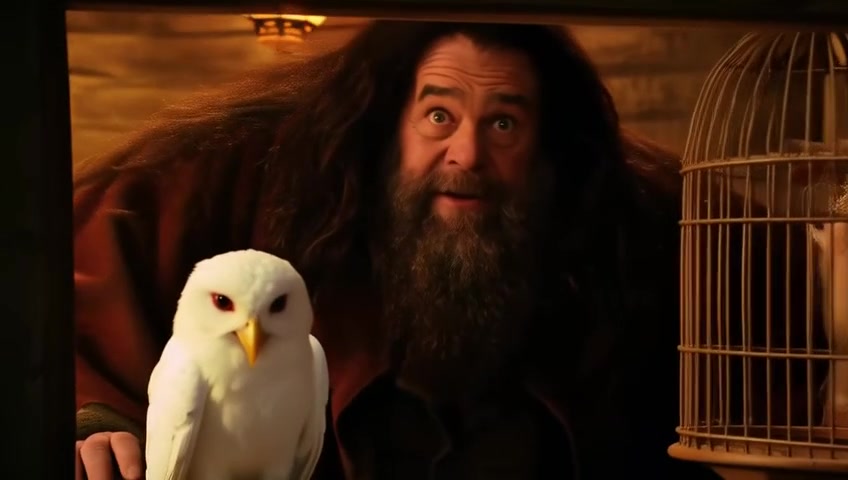
1mb movie
A useless but radical compression project: getting films down to 1mb and back again with language models
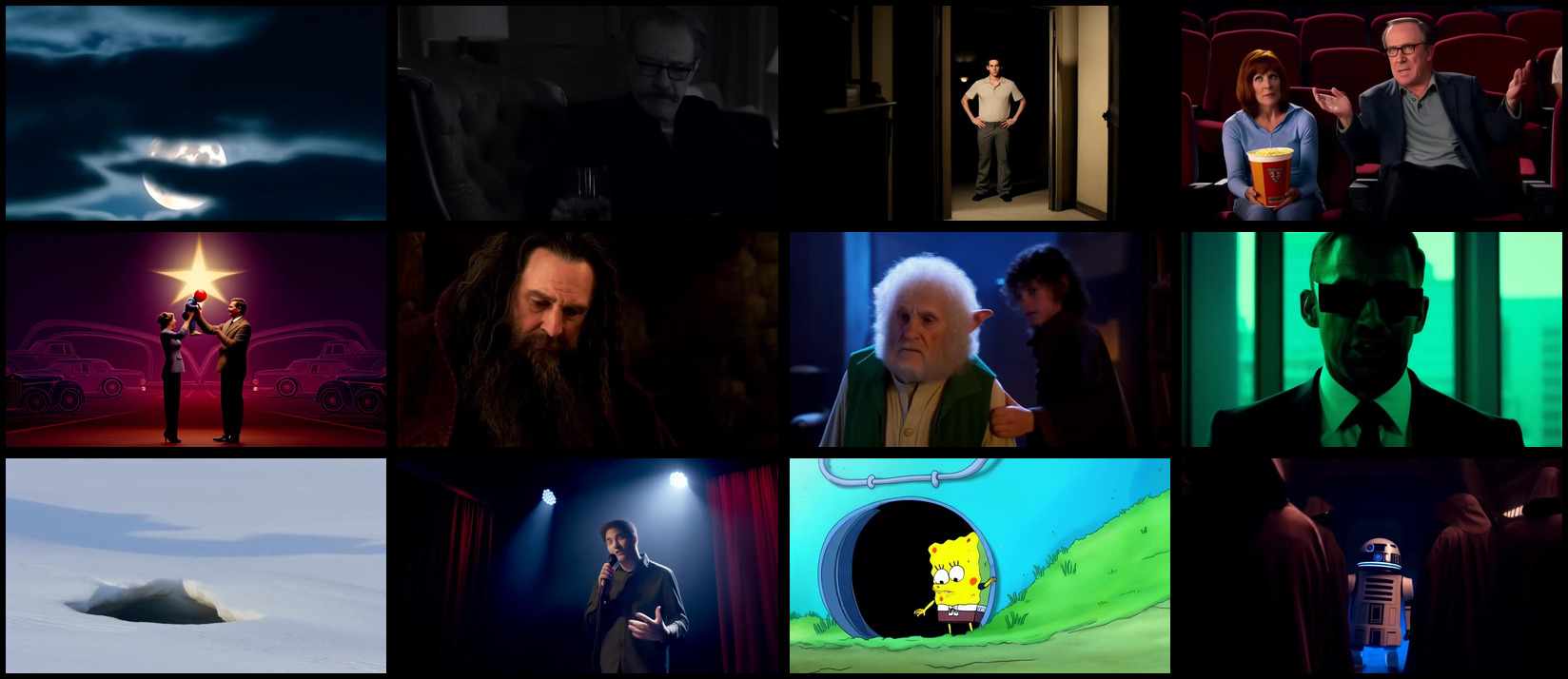
How could we compress a film to less than 1 MB while preserving the most quality?
Normally when we want a smaller video we reduce things like
- picture resolution (1080p, 480p, etc), and
- audio sample rate (160 kbps is Spotify’s High quality), and maybe
- frame rate (movies and tv are usually 24fps).
But we’ll see why that’s not enough for sub-1 MB (5 MB is needed just for audio) in the next section.
In this article I’ll explore how we can summarise and compress films & TV using models to get any film down to sub-1 MB, then re-generate the film from its compressed form.
I’ll be optimising for the best quality for the least $.
The code for everything below is at github.com/willhs/lossy.
How we normally compress films
Let’s see a video get progressively crappier with lossy compression:
So even the smallest recognisable video and audio is still over 20× larger than 1 MB. We need a different way to store video & audio.
Compress: film -> sub-1 MB text file
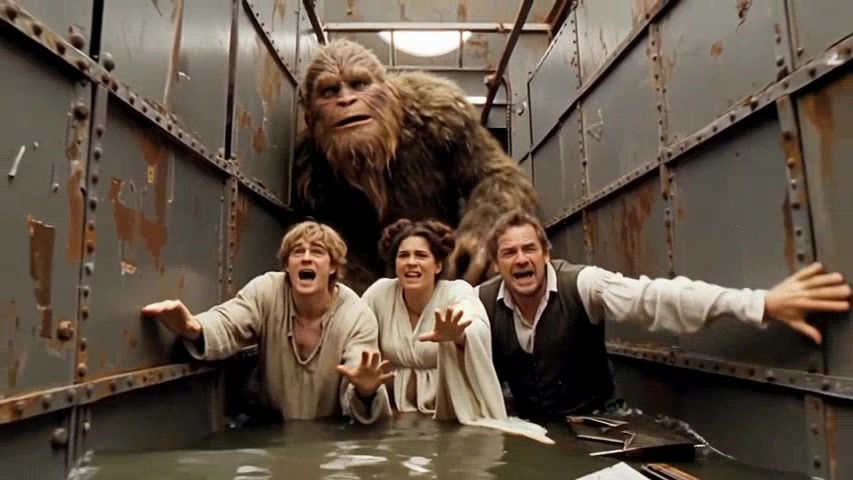
Shot by shot
Since video models generate short videos of around 5-10 seconds and shots in films tend to be a similar length, it would seem that video models could be used to generate a film as a sequence of shot videos.
It turns out there’s a Python library for finding shot boundaries in films! PySceneDetect.
Star Wars, for example, has around 2,000 shots which are detected pretty well by this library. There are a few exceptions, like the full-screen laser flashes in the first scene causing a few erroneous extra shots to be detected.
ffmpeg is a popular toolset for working with videos. You can use it to extract individual frames, audio, and clips. We can use it to split a film into shots, separate out audio, and extract key frames.
Describe each shot
We can generate a summary of each shot in the film, given a few frames sampled from the shot. Google’s Gemini 2.5 Flash-Lite is cheap at $0.10 per million input tokens and $0.40 per million output tokens. Scanning a full 2-hour film costs around $0.67.
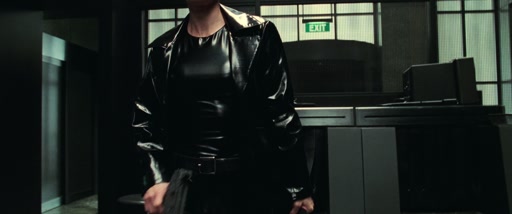
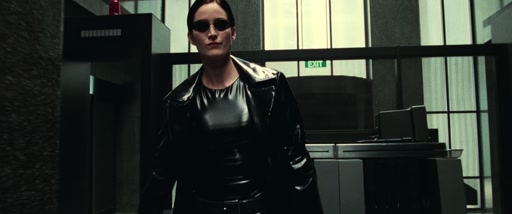
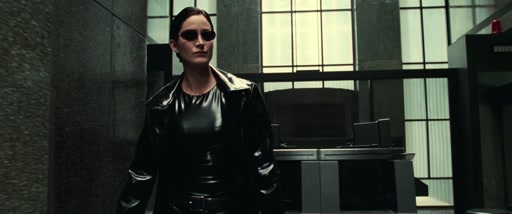
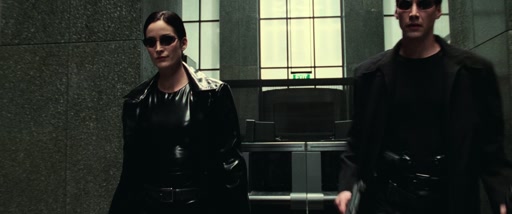
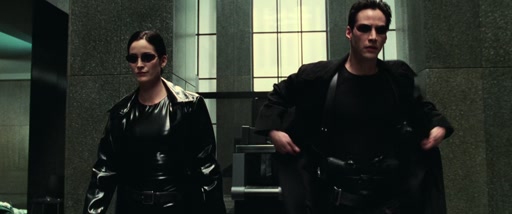
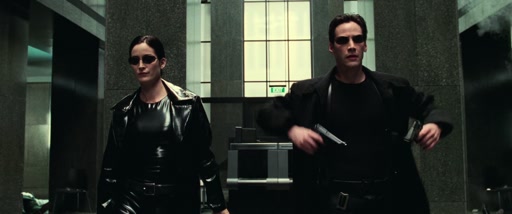
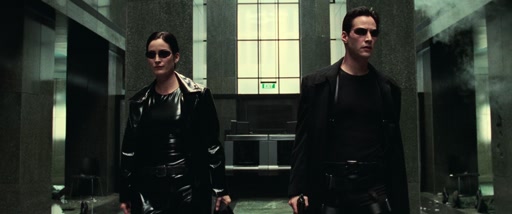
Going through security, The Matrix (8.8 seconds):
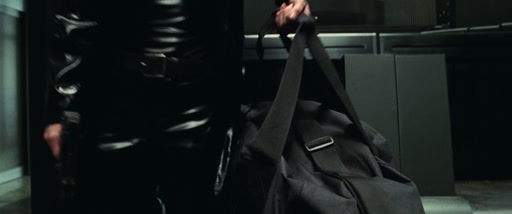
{
  "shot_type": "medium",
  "camera_movement": "slow zoom out",
  "subjects": "A woman in a black vinyl coat and a man in a black trench coat, both wearing dark sunglasses.",
  "action": "The two characters walk forward together through a lobby. The man draws two handguns from his coat holsters simultaneously as they continue walking.",
  "lighting": "High-contrast, cool-toned interior lighting with bright highlights reflecting off the vinyl fabric.",
  "color_palette": "Black, dark grey, muted green, and white.",
  "mood": "Intense, cool, determined, and action-oriented.",
  "setting": "A modern, sterile office building lobby with stone walls and a green 'EXIT' sign in the background.",
  "sound": "A mix of intense, rhythmic electronic music, ambient room tone, and the sharp, metallic sound of guns being drawn."
}
What about audio?
Movies have three layers of audio: (1) dialogue, (2) music, and (3) sound effects. We’ll record those layers separately for each shot.
I’ll cheat a bit with dialogue by directly using the subtitles for the film, which are sometimes embedded in the film itself.
Listening for sound effects
We can use an audio classification model like YAMNet to detect which of 521 everyday sound classes are present at which times.
Describing the music
YAMNet also tells us which shots are dominated by music. For those, Gemini listens to the shot’s audio and writes a one-line description of the score:
“A slow, ethereal, and slightly ominous orchestral score begins to swell. It features sustained strings and a subtle, rising synth pad, creating a sense of anticipation and foreboding. The tempo is very slow, around ~60bpm, and the music builds tension.”
That sentence is all we keep of the score — the melody itself doesn’t survive.
Putting it together: the lossy compression encode pipeline
| Star Wars IV, summarised | size |
|---|---|
| Source film: 124.7 min, 1080p H.264 | 632 MB |
| 2,012 shot descriptions + dialogue (shots.json) | 3.0 MB |
| Character descriptions (characters.json) | 38 KB |
| Compressed (xz) | ≈320 KB |
By summarising the film in English we’re still able to preserve a lot of the key details, but we’ll need video and audio models to re-generate the film as a video.
File compression tools like gzip or xz squeeze the summary another ~10×. If you run the same compressor on the original .mp4 it shaves under 1%, since H.264 has already wrung almost all of the redundancy out of the pixels.
You can download a real encode: the Matrix lobby scene as the-matrix-lobby.shots.json (99 shots, 155 KB, or 21 KB xz’d).
Decompress: 1 MB file -> film
Making the least crap film from the smallest amount of information for the lowest cost.
So now we have a file with a set of shot descriptions, one for each shot in the movie:
Reminder: each description includes shot_type, camera_movement, subjects, action, lighting, color_palette, mood, and sound, plus the shot’s dialogue lines, pulled from the subtitles.
Now we’re ready to generate a video for each of these shots with a video generation model, before stitching them together to create the movie, whole again!
Selecting a video model
I’m going for the lowest cost for best quality movie in 480p+.
The best-quality video model as of writing is ByteDance’s Seedance 2, but it’s too expensive at around $2,200 for 2 hours of output. It’s also not open-weight so we’d have less control of model variants like quantised models.
Alibaba’s Wan 2.1 & 2.2 are older model families from early/mid 2025. The quality is noticeably worse but they’re much cheaper to run, and open-weight. The smaller 1.3B model can run slowly on a MacBook and the 5B model can fit on rented hardware like an Nvidia RTX 4090 GPU.
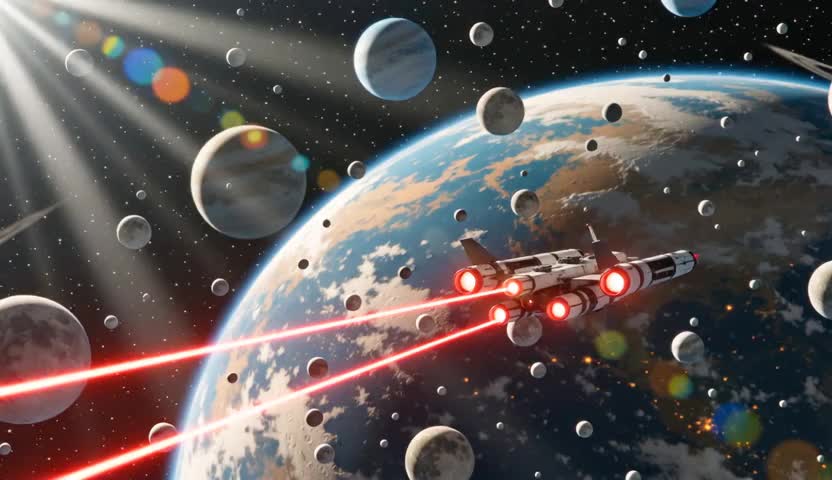 Wan 2.1
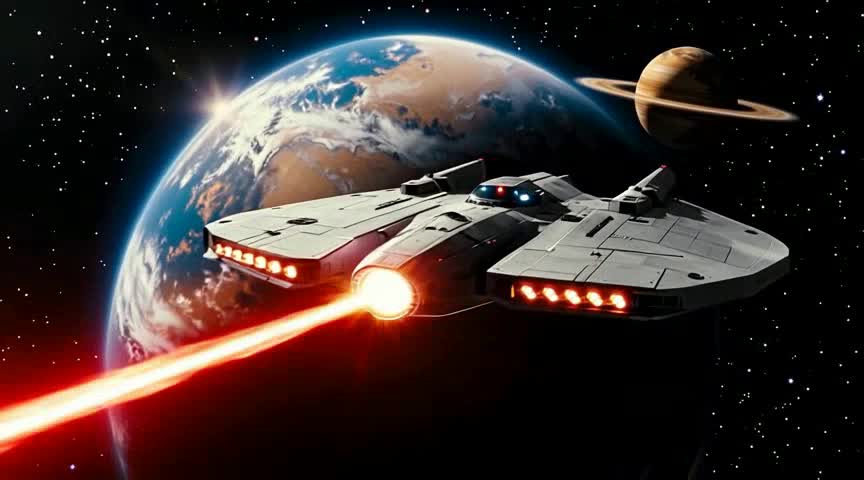 Seedance 1.0 Pro
| Model | Where | cost / sec | whole film (~2 hr) |
|---|---|---|---|
| Wan 2.1 T2V 1.3B | self-hosted (RunPod, ≈$0.34/hr GPU) | $0.003 | ≈$22 |
| Wan 2.2 T2V Fast | paid API (Replicate) | ≈$0.01 | ≈$74 |
| Seedance 1.0 Pro | paid API (fal) | $0.05 | ≈$374 |
| Seedance 2.0 | paid API (fal, standard) | $0.30 | ≈$2,200 |
Self hosting
If you run models on your own hardware, even if rented, you can sometimes save on costs relative to model service providers like fal.ai and Replicate. I used runpod.io to provision GPUs for me, sometimes with their community hardware which is discounted for its low availability.
Self-hosting models means significant effort spent researching, building and maintaining a system to run workflows on rented hardware.
I tried to outsource this to Claude Code, which worked well once established but I did spend time and extra credits debugging and re-running failed jobs.
| Wan 2.2 5B, same scene (11 clips, 33.8s) | Billed by | cost / sec | scene total |
|---|---|---|---|
| fal.ai, hosted | per clip ($0.15) | ≈$0.05 | $1.65 |
| RunPod A6000, self-hosted | GPU time ($0.33 / hr) | ≈$0.01 | $0.33 |
Some models like Wan 2.1 1.3B can be run on consumer hardware like a MacBook.
Long shots
Wan 2.1/2 models support output lengths of ~3–6 seconds. Not enough for longer shots from film and tv, e.g. the opening shot of The Big Lebowski where The Dude browses for milk.
There’s a good solution to this: we can use the last frame of an output clip as the first frame of the next clip with the first_image parameter, then join the clips into one shot:
Short shots
Some movie shots are under a second — shorter than the ~2s floor that Wan will generate. Every model I tried bottoms out around there (Seedance too).
We can either squeeze the 2-second clip to fit or cut it shorter:
The continuity problem: every shot, a different actor
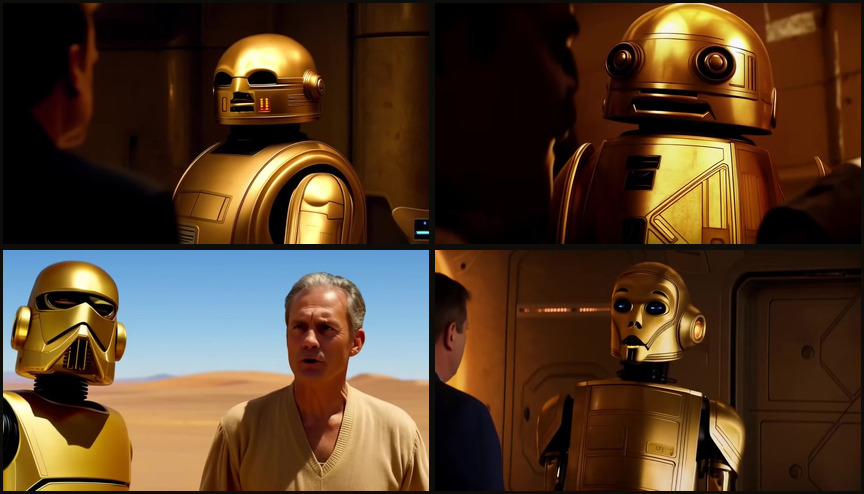
Since we’re stitching together clips that are generated independently, continuity becomes the major challenge in making something coherent.
Something that surprised me about video models was how small the input prompt is. The sweet spot for models generally is on the order of 50 - 150 words:
A large, blocky spacecraft with a grid of bright glowing thrusters. The spacecraft moves steadily across the frame against the backdrop of a planet and a moon, while a red laser beam fires from the rear of the ship, dissipating as it travels through space. Extreme Wide shot, static. Deep space, orbiting a large, textured, brownish-orange planet with a smaller moon visible in the distance. High contrast space lighting; the ship is illuminated by its own thrusters and the distant light of a star, while the planet below is lit by a sun off-screen. Deep black, vibrant orange, muted grey, and bright white. Epic, cinematic, and adventurous.
That’s the budget we have for describing a shot in our compressed movie. So if we want Luke Skywalker to look the same across the clips we’re generating we may only have 100 words to describe Mark Hamill’s face, expression, pose, costume, etc. Other characters might be in the shot too.
Character clustering: an attempt
Something I tried to mitigate the continuity problem is to include something extra in the encoded output: descriptions of characters, characters.json.
We can use characters.json in two ways depending on the model:
(1) Primarily: to enrich shot prompts with more, and more accurate, details about the character.
An elderly man with gray hair and a weathered face, wearing a light-colored shirt and a vest. The man slowly brings his hand up to his face, rubbing his forehead and eyes in a gesture of weariness or distress, while looking slightly off-camera. Medium close-up, slow dolly in. A dimly lit, rustic interior, likely a study or home, with a view of a dark, forested area through a window in the background. Low-key, dramatic lighting; a strong, cool-toned light source from the background creates a silhouette effect, while a soft, warm light illuminates the side of his face. Deep shadows, dark browns, and muted earth tones, contrasted with a vibrant, cool teal light coming from the window. Melancholic, weary, and somber.
characters.jsonA medium close-up shot, with a slow dolly in, captures Gandalf, the elderly wizard, in a dimly lit, rustic interior, his long white beard and hair framing a weathered face. He wears his iconic dark, weathered cloak, the fabric hinting at countless journeys. The air is thick with a melancholic, weary, and somber mood, amplified by the low-key, dramatic lighting. A strong, cool-toned teal light spills from a window in the background, offering a glimpse of a dark, forested area and creating a striking silhouette effect. This vibrant, cool light contrasts with the soft, warm illumination on the side of Gandalf’s face, highlighting the deep shadows and muted earth tones of the room. Slowly, he brings a hand, gnarled with age and wisdom, up to his forehead, rubbing his eyes in a gesture of profound weariness or distress, his gaze fixed slightly off-camera, lost in thought or burdened by unseen knowledge.
Here’s a particularly good example of the same shot generated from each of those two prompts:
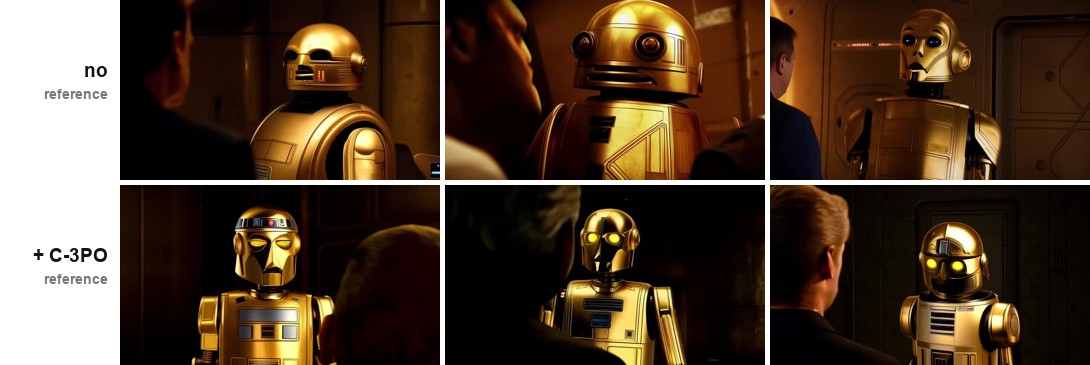
(2) Some models like Wan 2.1 VACE accept reference image inputs, so we can generate an image for each character:
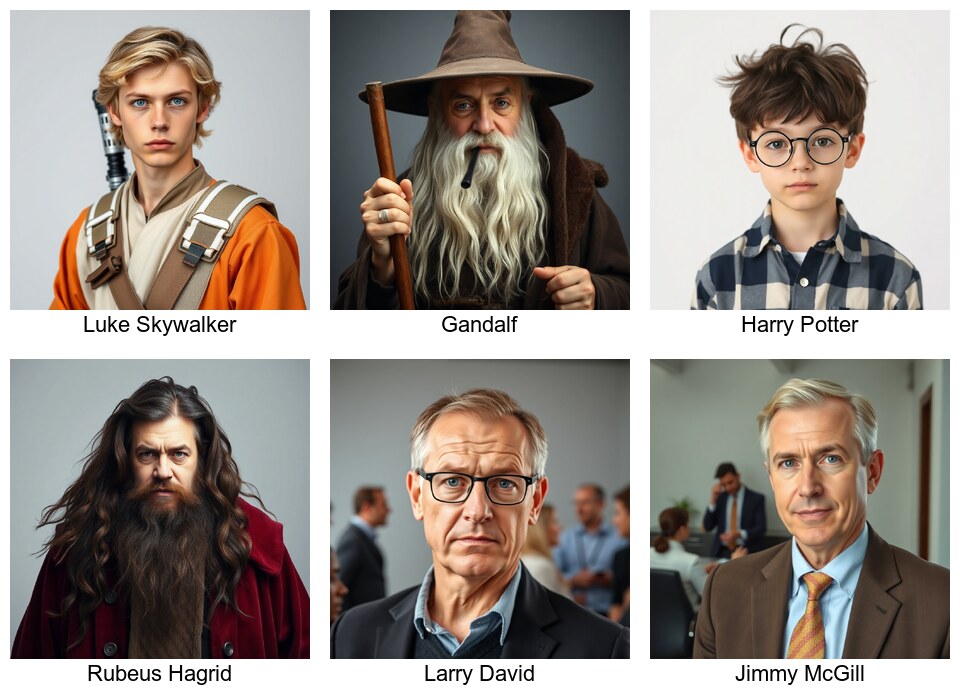
Feeding that headshot in as a VACE reference does buy back some continuity: three C-3PO shots from the scene above, regenerated with the droid’s portrait attached:
Generating the audio
For dialogue we’ll just use the cheapest (dullest) ElevenLabs voice to keep costs low. We can’t attribute dialogue to characters from the subtitles alone anyway. It’s a harder problem to infer that, for another day…
Sound effects
We use MMAudio to generate sound effects for the film from the sound part of each shot summary, e.g.:
“The ambient sounds of a bowling alley, including the low rumble of a ball rolling on wood, the distant clatter of pins, and background chatter, accompanied by classic soul or blues music.”
MMAudio co-hosts on the video pod for next to nothing, but its output is often noisy, so for the final reconstructions I ended up leaning more on ElevenLabs’ sound-effects model instead: cleaner, but hosted-only and a little pricier.
Music
The one-line score description captured during encode is fed to Meta’s 2023 text-to-music model MusicGen, which invents a fresh score to match. Only the vibes are preserved, not the score.
Audio: summarised
So, audio generation costs are:
| Audio | Model | rate | whole film (~2 hr) |
|---|---|---|---|
| Ambience + SFX | MMAudio, on the video pod | co-hosted | ≈$1 |
| orMMAudio, fal.ai hosted | $0.002 / sec | ≈$2.60 | |
| Extra SFX | ElevenLabs SFX | $0.001 / sec | ≈$0.50 |
| Dialogue | ElevenLabs Speech | $0.05 / 1K chars | ≈$2.70 |
| Music / score | MusicGen, on the video pod | co-hosted | ≈$0.50 |
| orMusicGen, Replicate hosted | $0.002 / sec | ≈$5 | |
| Total: co-hosted (pod where possible) | ≈$4.70 | ||
| Total: fully hosted | ≈$10.80 | ||
The result: decompressed 1 MB films
Scenes generated from 1 MB films:
Reflections
What astonishing film compression! We took a 632 MB film down to ≈320 KB, that’s about 2,000× smaller.
| Stage | Model / service | whole film (~2 hr) |
|---|---|---|
| Encode | Gemini 2.5 Flash-Lite | $0.67 |
| Video | Wan 2.1 1.3B, self-hosted, RunPod ≈$0.34/hr GPU | ≈$22 |
| orWan 2.2 5B, self-hosted, RunPod A6000 | ≈$75 | |
| orSeedance 1.0 Pro, fal.ai | ≈$374 | |
| orSeedance 2.0, fal.ai (list price) | ≈$2,200 | |
| Ambience + SFX | MMAudio, co-hosted on video pod | ≈$1 |
| Music / score | MusicGen, co-hosted on video pod | ≈$0.50 |
| Dialogue | ElevenLabs Speech | ≈$2.70 |
| Total: budget (Wan 2.1 + MMAudio) | ≈$27 | |
| Total: quality (Wan 2.2 5B + MMAudio) | ≈$80 | |
Now we can carry over 1000 films on a 1 GB USB drive, and to watch one of them we’ll only need to, best-case, pay ≈$30 USD and wait a minimum of 12 hours for processing. People are used to paying for compression, like with WinRAR.
Our decompressed films are lossy. But the output is indeed a full-length 480p (or up to 1080p for more $) video which retains core aspects of the film including all dialogue, and a basic visual and audio reconstruction (incl. some of the music & sound effects) of every shot in the input film.
Full scenes, original vs. reconstruction, synced:
The bad: the continuity issues we talked about earlier make the output film chaotic and disjointed, like every shot is from a different universe where the movie was made with a different crew, at a different location, etc. Our character prompt enrichment can only mitigate that as each clip has been generated in almost total isolation.
Most of the artistic detail of the film is wiped away in the compression process and made up by video and audio models. Setting aside the chaos, what comes out the other side is often rather banal, lacking artistic taste; it goes to the middle. However, some moments are intriguing and make me curious about the alternate universe.
Further improvements
Our compression process is quite good already considering the 1 MB limitation. It’s the generation phase that can improve.
To make our output movies better we really need to work on the consistency/continuity between shots. Our character clustering gets some of the way there but there’s still a long way to go. Newer models may provide more input parameters, like the VACE Wan variant which allows input image references.
Better visuals: generate a first_image with an image model: a known technique to improve the quality of video output, so the video starts from a solid foundation. Image models like Google’s “Nano Banana” or OpenAI’s gpt-image-x are high quality and relatively cheap, and we could feed our character images into them for better continuity. Generating ~2,000 images does add up though, so it’s more cost to add.
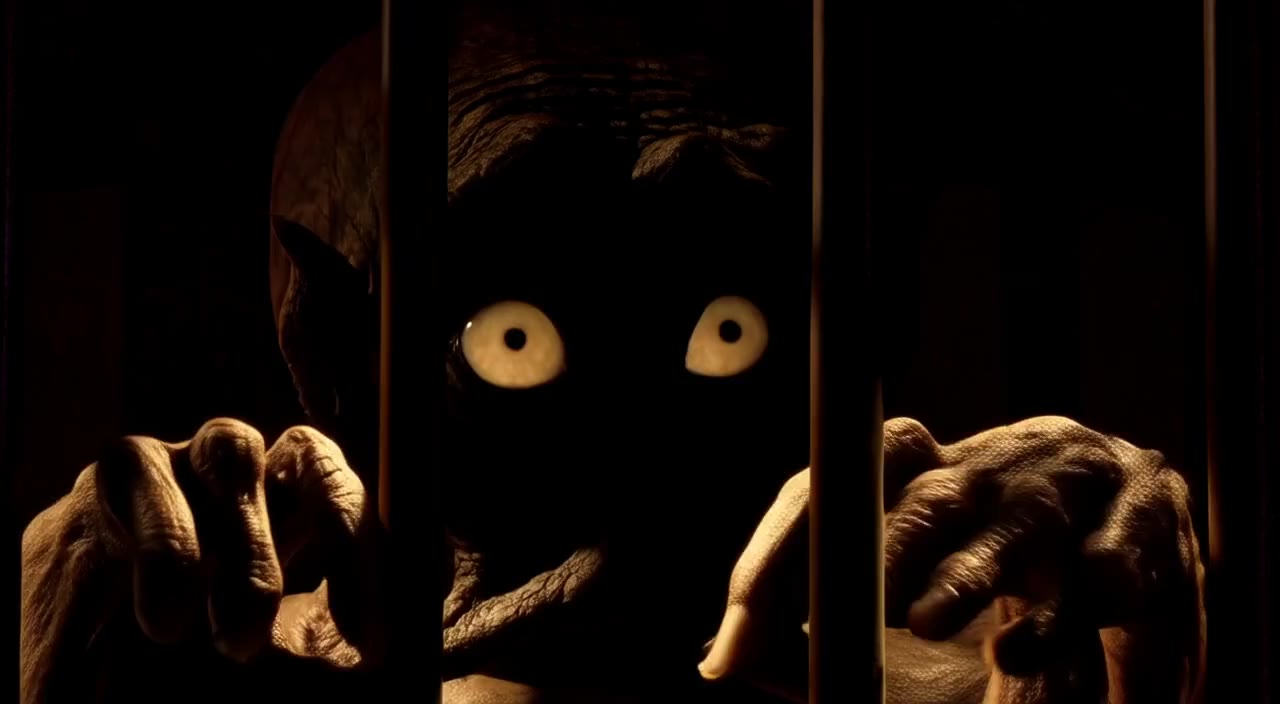 Wan 2.2: first frame of the clip
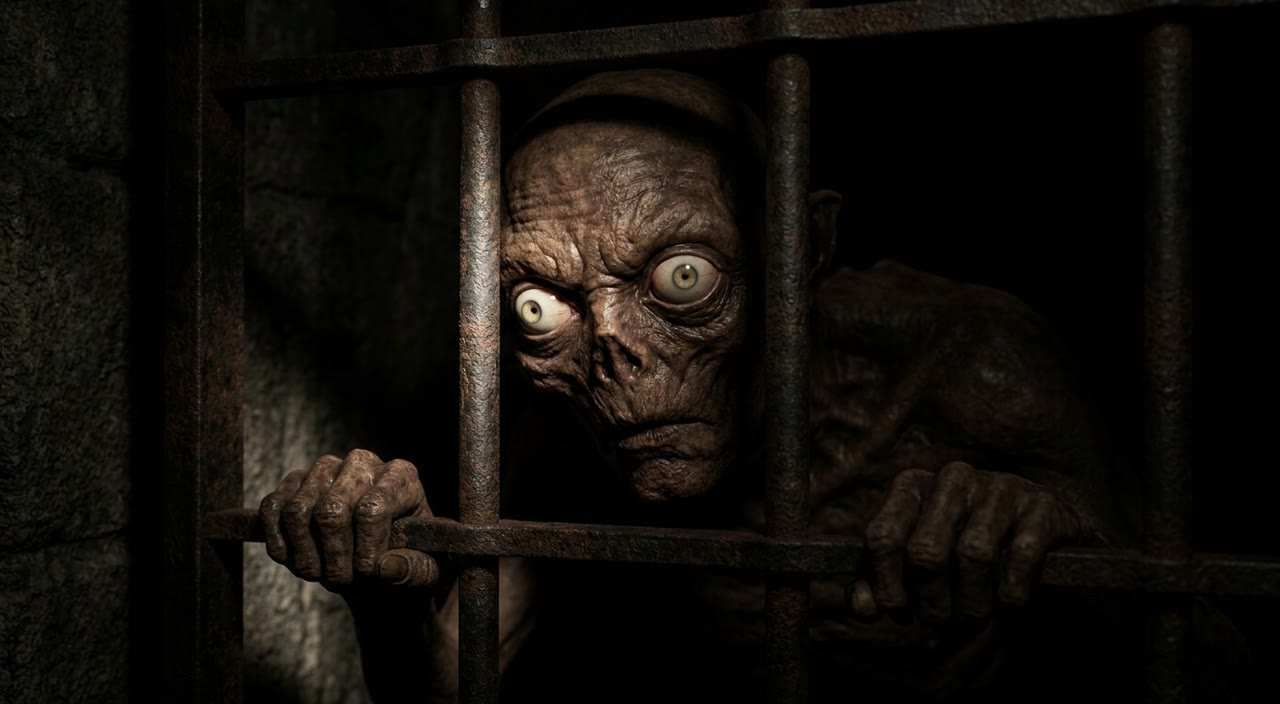 Nano Banana 2: same prompt
Dialogue: the default ElevenLabs voice gets old pretty quickly. With clever analysis of the script and visual clues from the frames we ingest we could guess which lines are said by each character, then pick voices for each of them. Harder when many characters are on-screen at once.
Sound effects: the audio generated by MMAudio with our prompts can sometimes sound pretty noisy/garbled, so there’s room there to explore better prompting or other models. ElevenLabs is better but expensive through an API.
Music is currently generated per-shot so it suffers the same continuity issues as video: music will cut off or change suddenly mid-scene, so we’d want a better way to detect music transitions, separately to shots.